


Taking your archive elsewhere
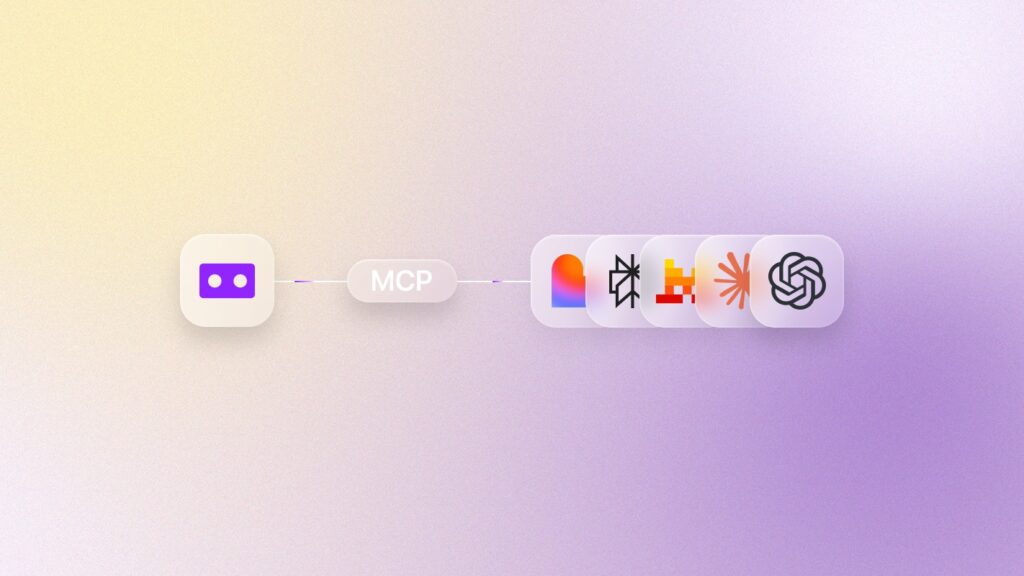
Good Tape already turns your recordings into text. Now, you can go from recording to done in minutes. Think of our MCP as a magic door between Good Tape and your AI tool of choice: we built it, and you control what it can see.
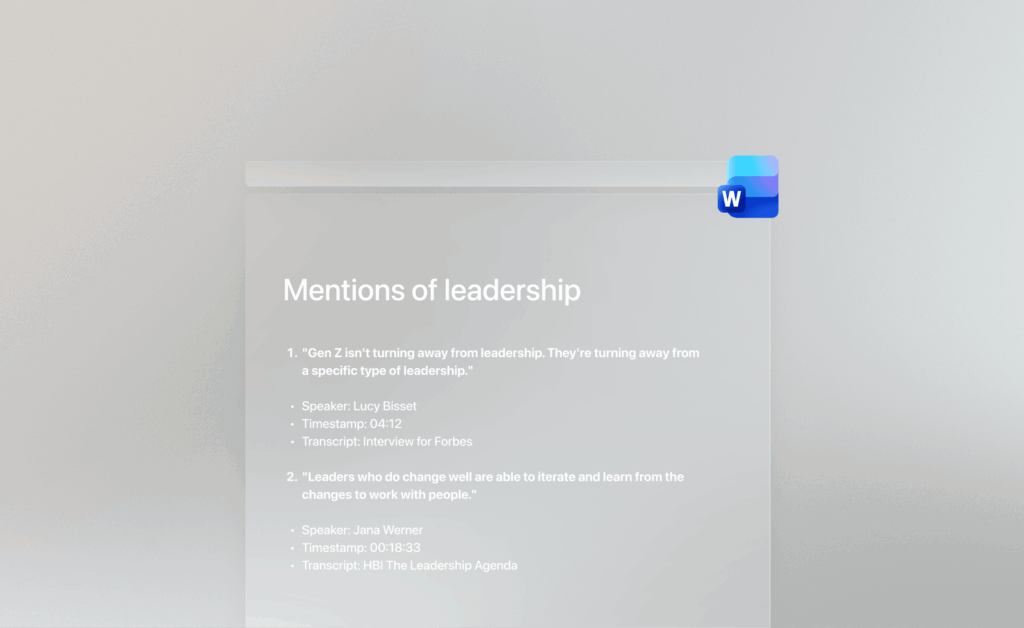
Draft articles, pull action points from a meeting, or hunt for half-remembered quotes. Whatever your next step is, it’s only one prompt away.
What is an MCP?
MCP stands for Model Context Protocol, an open-source standard for connecting AI tools to external systems. The Good Tape MCP is the connection between your Good Tape archive and any AI tool that supports MCP.
Instead of copy-pasting transcripts, the tool reaches your archive directly: Searching, retrieving, and reasoning over your transcripts or the whole archive from the same conversation.
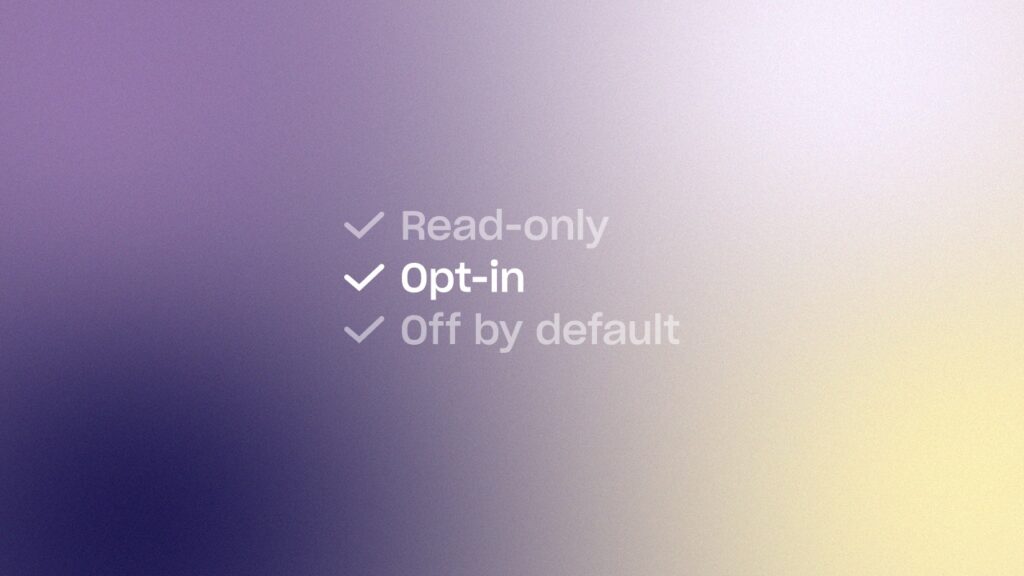
Read-only, opt-in, and off by default
The Good Tape MCP is read-only, opt-in, and off by default. Your archive stays private unless you connect it. Even then, it can only see your own transcripts, summaries, and notes, and never a teammate’s. It also cannot edit or delete anything.
Once connected, your transcripts pass through your chosen AI provider. You can revoke access anytime in your settings.
How to get started with Good Tape MCP
- Connect to Claude guide
- Connect to ChatGPT guide
- Connect to Mistral guide
- Connect to Perplexity guide
Connecting a different tool and need help? Check your AI tools documentation pages to find out, or email us.
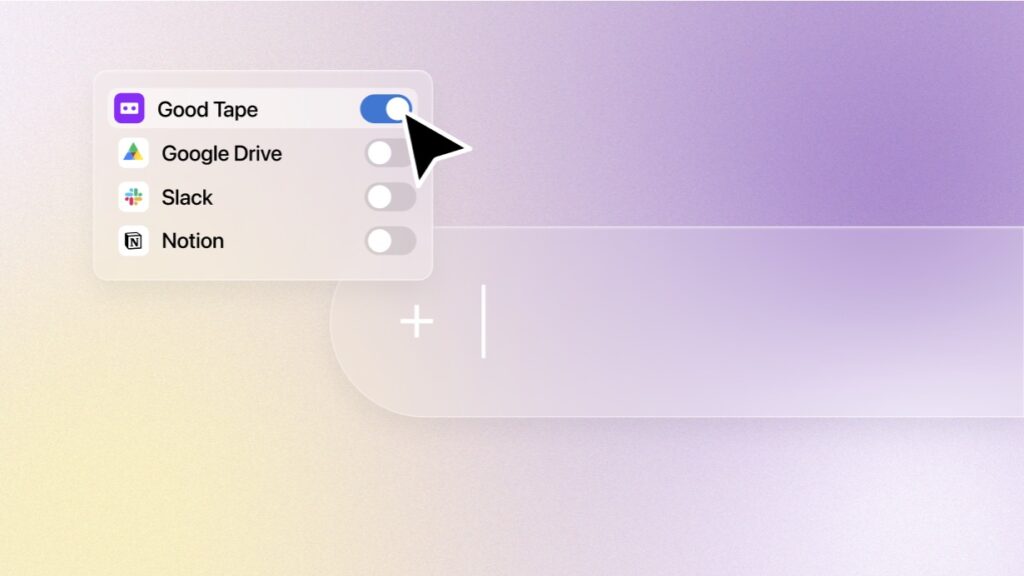
Included on the free trial and every paid plan
The Good Tape MCP is included at no extra cost on the free trial, Pro, Business and team plans while it is in public beta. If that changes after beta, you will hear it from us before it takes effect.
Still have questions? Read the full MCP FAQ or visit the help center.
Want to read more?
Check out the following resources
Help center (FAQ)
Which plans include the Good Tape MCP?
The Good Tape MCP is included on Free Trial, Pro, and Business at no additional cost while the feature is in beta. After beta, extra costs might apply. But you will hear any update on this from us first.
If I connect to ChatGPT, Claude, or another AI tool, can they train on my transcripts?
Once your transcripts are seen by an external AI tool, Good Tape has no control over how that provider handles the data. Each AI tool has its own data-use and training policies. Many providers don’t train on your inputs by default on paid or business plans and offer training opt-outs. We recommend checking the privacy, data residency, and training terms of the tool (and the specific plan) you connect to.
What exactly can the AI tool see if I connect the Good Tape MCP?
Only your own transcripts, summaries, and notes in your Good Tape archive. It cannot see other users’ or team members’ content. It also can’t edit, delete, or change anything in your archive.
Is the Good Tape MCP off by default?
Yes, it’s off by default. You stay in control of whether, when, and where you connect it. You decide to opt in. No third-party AI tool has access to your Good Tape archive unless you connect it yourself, and you can revoke access at any time on the settings page.
I chose Good Tape for its privacy policy. Does the Good Tape MCP change anything?
Good Tape itself stays just as private and secure. The MCP is opt-in, and nothing leaves Good Tape unless you actively connect it to your AI tool of choice. That said, if you connect LLMs and AI tools via MCP, their privacy, data residency, and training terms apply. We recommend reviewing those before connecting if you are in doubt.
How do I revoke access?
You can disconnect the Good Tape MCP from all your AI tools in your Good Tape account settings: Settings → Account → Manage MCP (Beta) → Revoke MCP client access
I handle legally protected source material. Should I connect the Good Tape MCP?
That depends on your own editorial and legal guidelines. The Good Tape MCP is designed to opt in. Good Tape itself stays as secure as always, but connecting to a third-party AI tool means your transcripts pass through that third-party provider’s systems, which may not meet the confidentiality requirements for sensitive source material. If in doubt, we recommend checking the privacy, data residency, and training terms of the tool (and your specific plan) you connect to.
We’re a team. Can the AI tool reach all our archives, or only the individual archive?
Each team member connects the Good Tape MCP individually, and the AI tool will only have access to that person’s own transcripts and tapes that have been shared with that person. Not all archives of the wider team or organization.
How is this different from copy-pasting or exporting my transcripts as .txt files and uploading them to AI tools?
For individual transcripts, you save the manual step of copy-pasting or exporting and uploading .txt files. Otherwise it’s the same. You feed your raw transcript data to an external tool. But it’s a new way to search through and reason over your entire archive within one conversation. That used to be impossible manually.
Where can I find more answers regarding Good Tape MCP?
Read the full MCP FAQ or visit the help center.
Stop copy-pasting transcripts
Already have a Good Tape account? Turn on the MCP in your settings