
Good Tape detects every voice in your recording and labels them automatically, so you never have to guess who said what. Rename any speaker in one click.
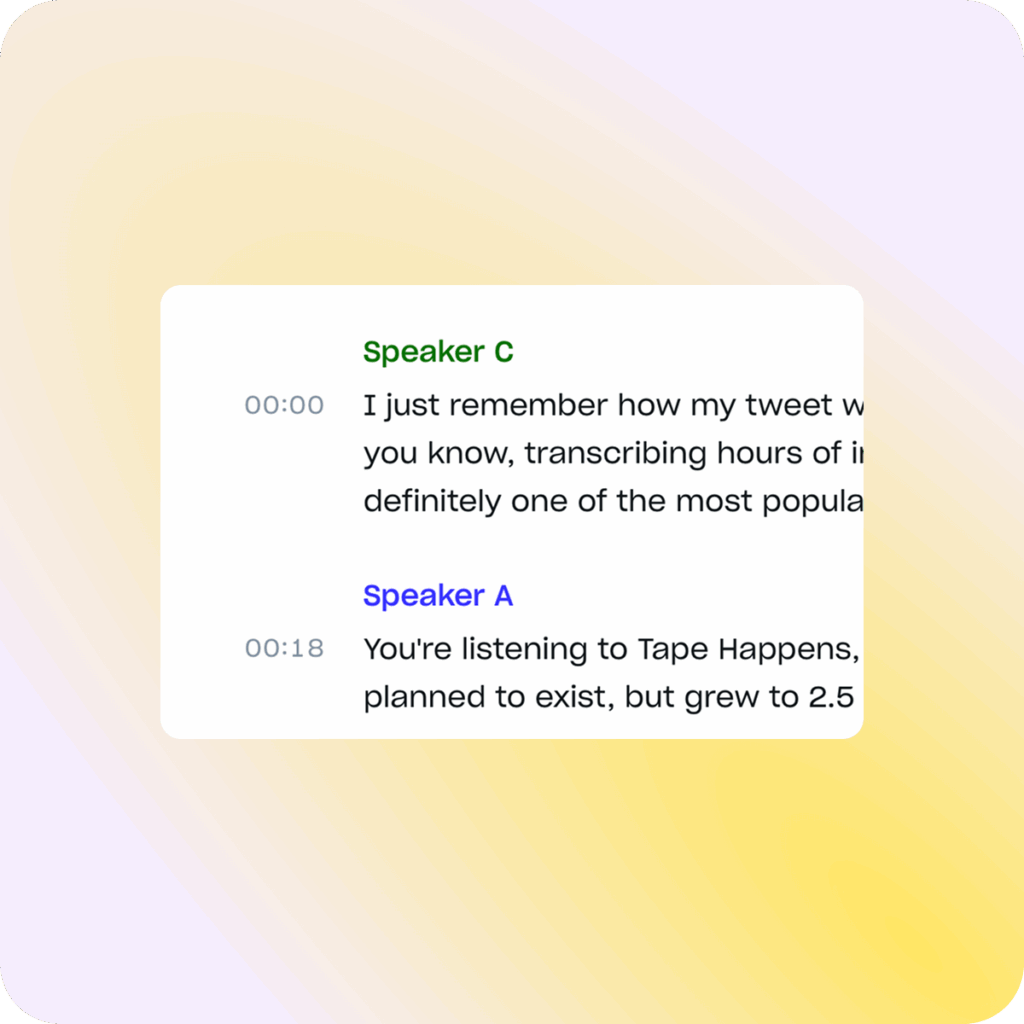
Accurate speaker labels you can trust
Conversations are rarely one voice. Interviews have questions and answers. Panel discussions involve multiple participants. Legal hearings switch between lawyers, witnesses, and judges.
Without clear speaker identification, transcripts quickly become confusing walls of text. Manually adding speaker names can take as long as transcribing itself, and mistakes in attribution can be costly. Good Tape solves this with automatic speaker labels.
How speaker labels work in Good Tape
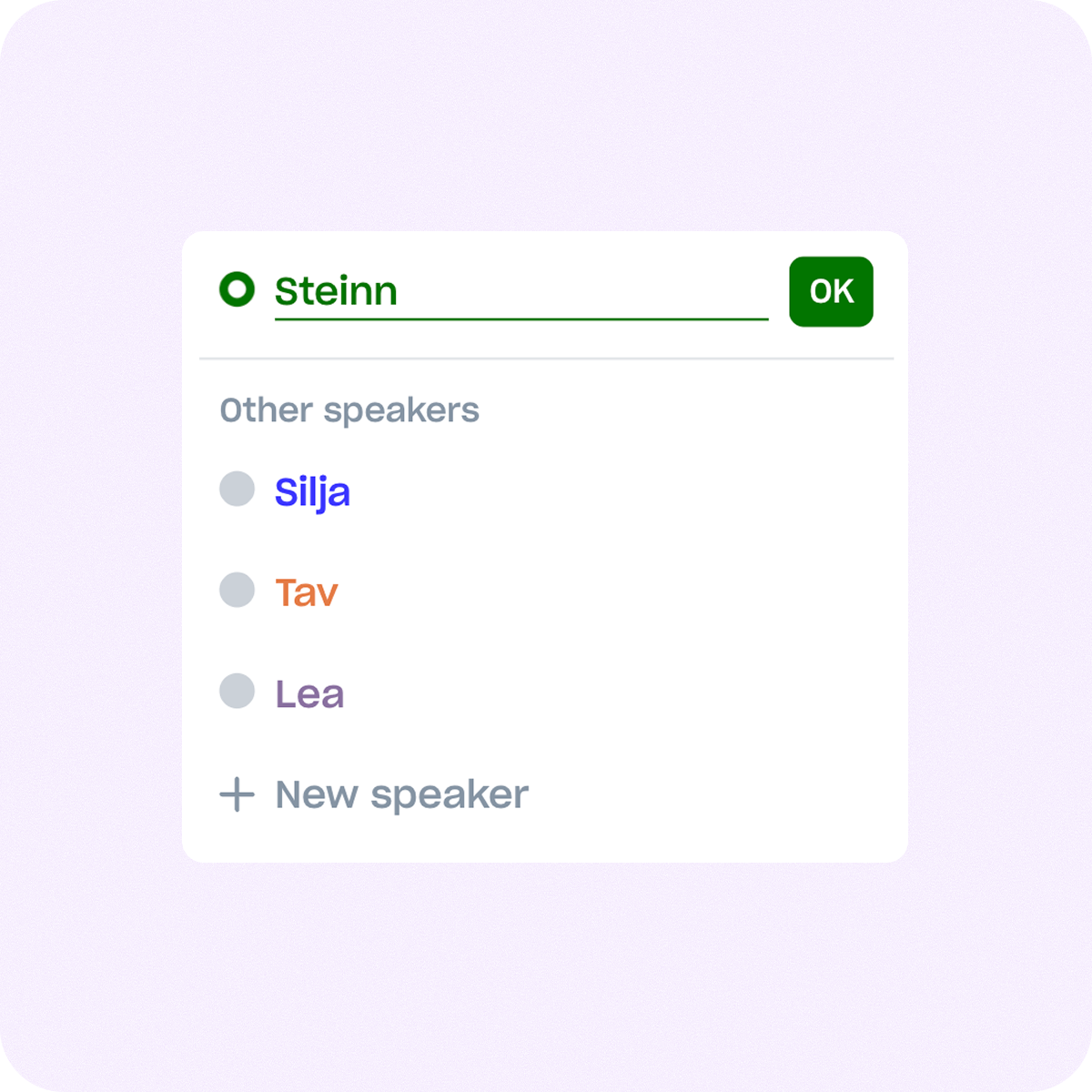
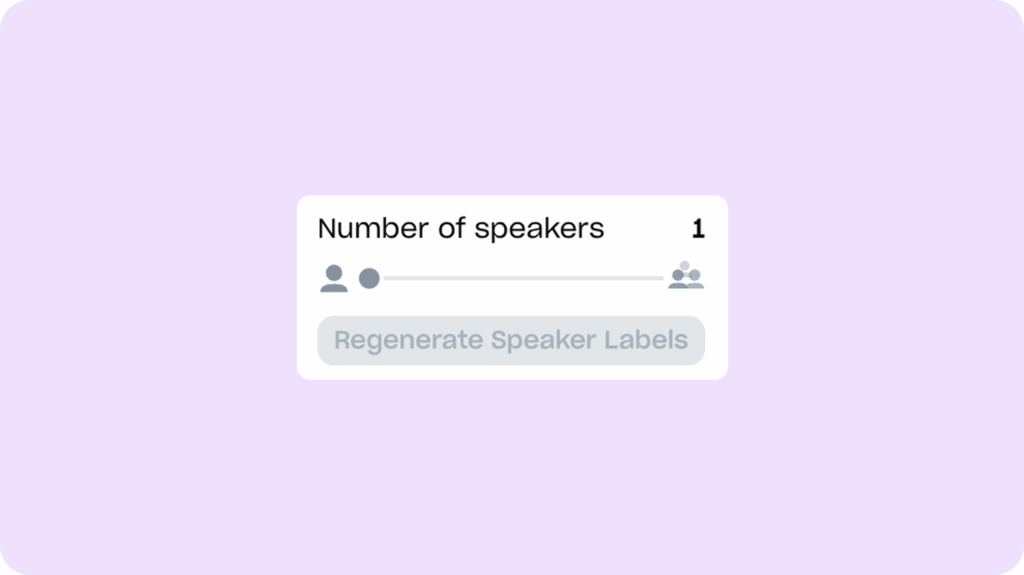
When you upload a file, Good Tape automatically detects different voices and assigns speaker labels so your transcript reads like a clean script. You can rename each speaker to match your context, turning hours of manual tagging into minutes of setup.
Every speaker is identified and separated in the transcript, so you can instantly see who said what — and keep a reliable record of it. No more guessing. No more wasted hours formatting. Just clarity, delivered automatically.
What speaker labels save you
When speakers are labeled automatically, attribution stops being something you have to check, so you never risk misquoting or misattributing.
Pre-labeled transcripts save hours of manual tagging and let you focus on analysis instead of formatting.
When shared with a team, clear speaker labels remove confusion and speed up review for everyone involved.
Most tools separate speakers well in English. Fewer hold up in Danish, Finnish or Dutch, where accents and code-switching confuse voice detection. Good Tape is built for accuracy across 100+ languages, not just the easy ones.
Secure speaker labels and transcription
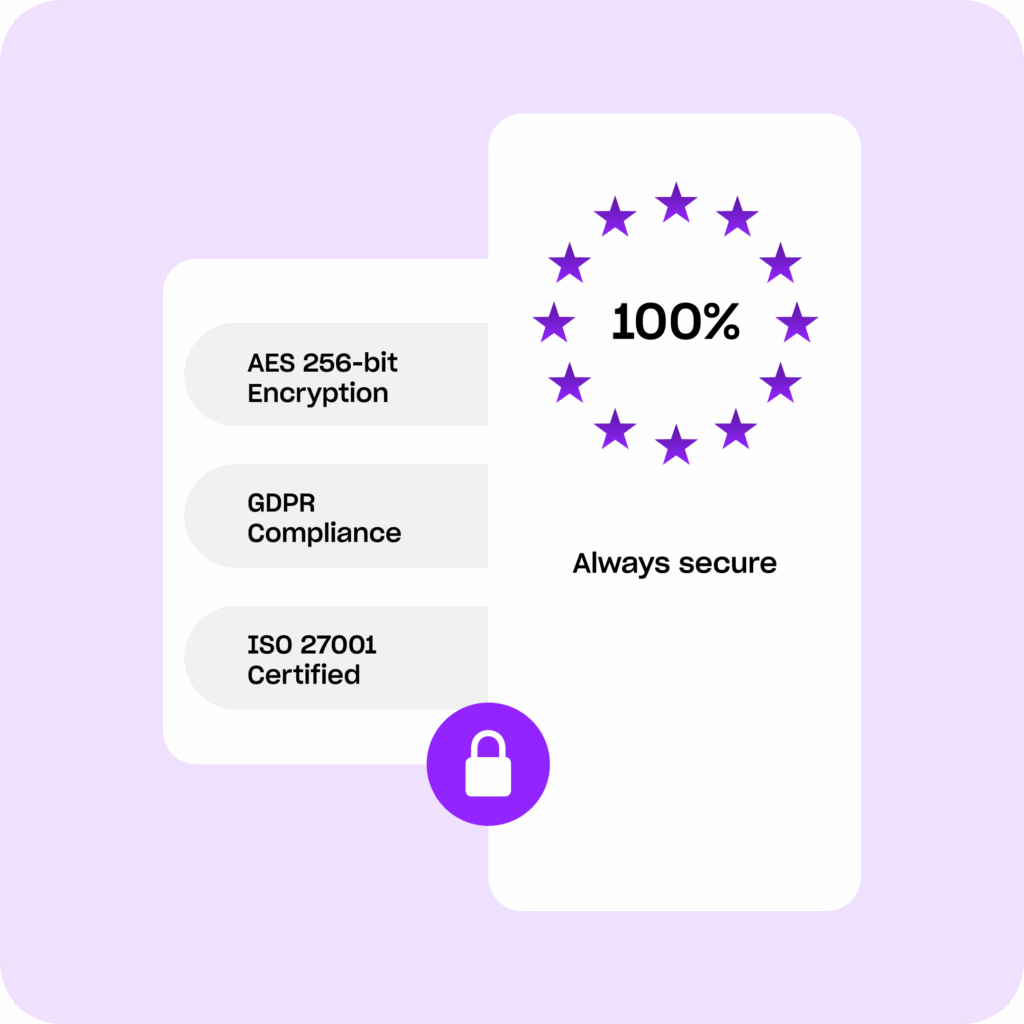
Speaker labels often involve sensitive material like client interviews, legal testimony, and confidential meetings, so Good Tape protects every file with AES-256 encryption at rest, TLS 1.3 in transit, and GDPR-compliant servers located in the EU.
Your files are deleted automatically after transcription unless you choose to keep them. They are stored securely and encrypted at rest within the EU for as long as you choose to keep them. You can delete any file at any time. When you delete a file, it is removed from all our systems, including backups, within 12 hours, in most cases it is deleted immediately.
We never train on your data, so your conversations remain yours alone. Good Tape is also ISO 27001 certified.








Related reading
Check out these related resources

Frequently asked questions (FAQ)
How accurate are speaker labels?
Good Tape detects changes in voice and assigns labels automatically. Overlapping speech and background noise make detection harder, so cleaner recordings give better results — and you can rename any speaker after transcription.
Can I edit speaker labels?
Yes. You can rename speakers to actual names or roles to make transcripts more readable and professional.
Do speaker labels work in group settings?
Absolutely. Speaker labels are designed for multi-voice recordings such as panels, team meetings, or classrooms.
How accurate is Good Tape?
Good Tape supports 100+ languages, a wide range of accents, and fast speech. You spend less time correcting and more time creating.
Is Good Tape secure to use?
Yes. Your files are secure. Files are encrypted, stored safely within the EU, and never shared or used for AI training. We’re fully GDPR compliant and offer signed DPAs.
Does Good Tape have an app?
Yes, download the Good Tape recorder app for iOS or Android. Recording in the app gives you cleaner source audio, which makes speaker detection more reliable.
Accurate speaker labels you can actually rely on
Discover why more than 3 million professionals and teams use Good Tape