
Transcription features for professionals
100+ languages, speaker labels on every transcript, AI summaries, projects and a recorder app for your phone. Every Good Tape feature, in one place.
-
EU hosting
-
ISO 27001
-
Zero training on your data
-
GDPR compliance
See how Good Tape works
Many people use Good Tape for accurate transcripts and nothing more. Others run their whole workflow in it. Start with what you need, and add the rest when you want it.
01 / Record
Start anywhere. It all lands in Good Tape.
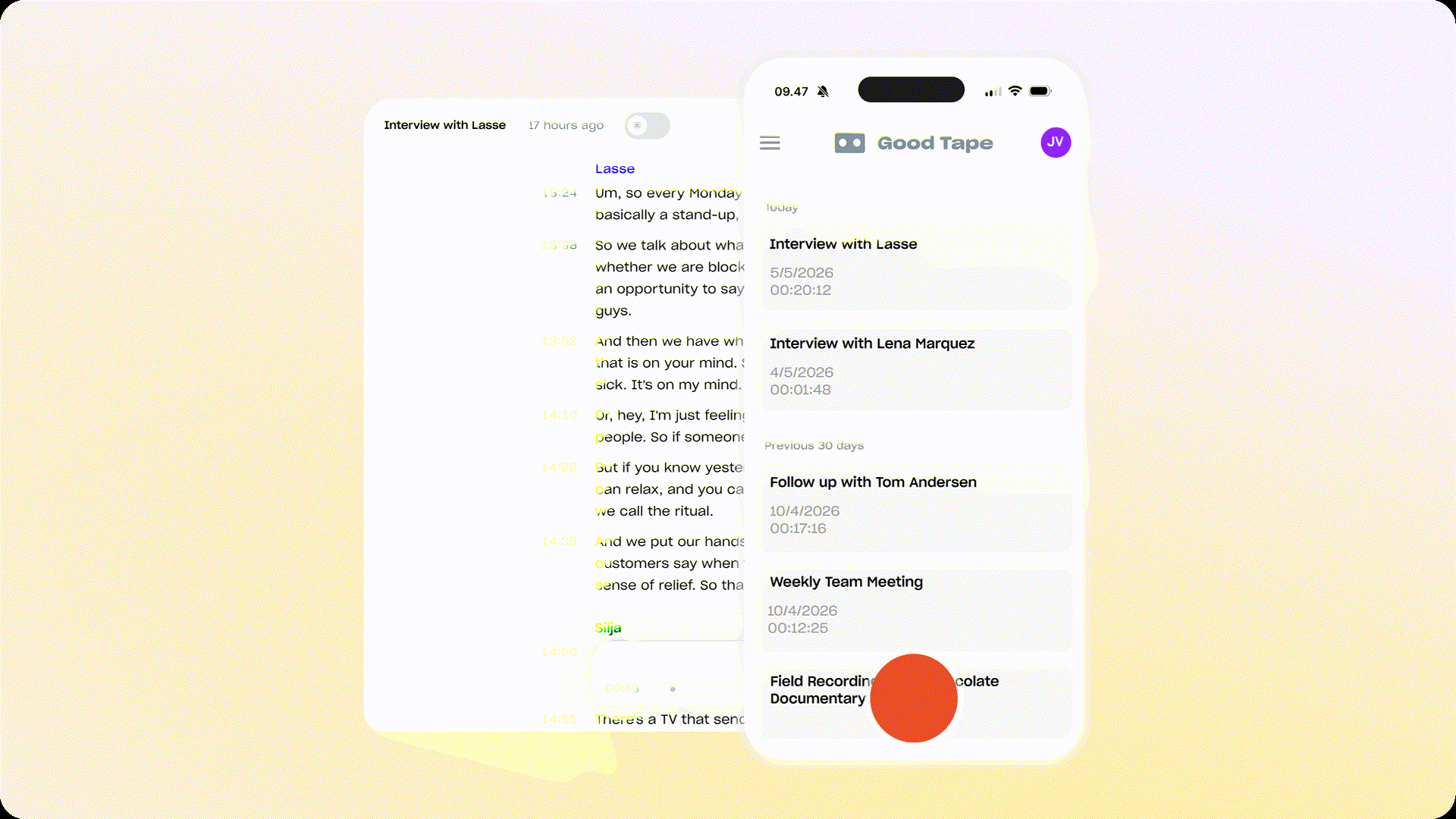
Record interviews in the field with the app, upload the files from your digital recorder, let the notetaker sit in on your online meetings, send files through the API, or stream audio while the conversation is still running. Encrypted the moment it leaves the device.
- App
- Upload
- Notetaker
- API
- Realtime
02 / Transcribe
Accurate transcripts in 100+ languages, fast.
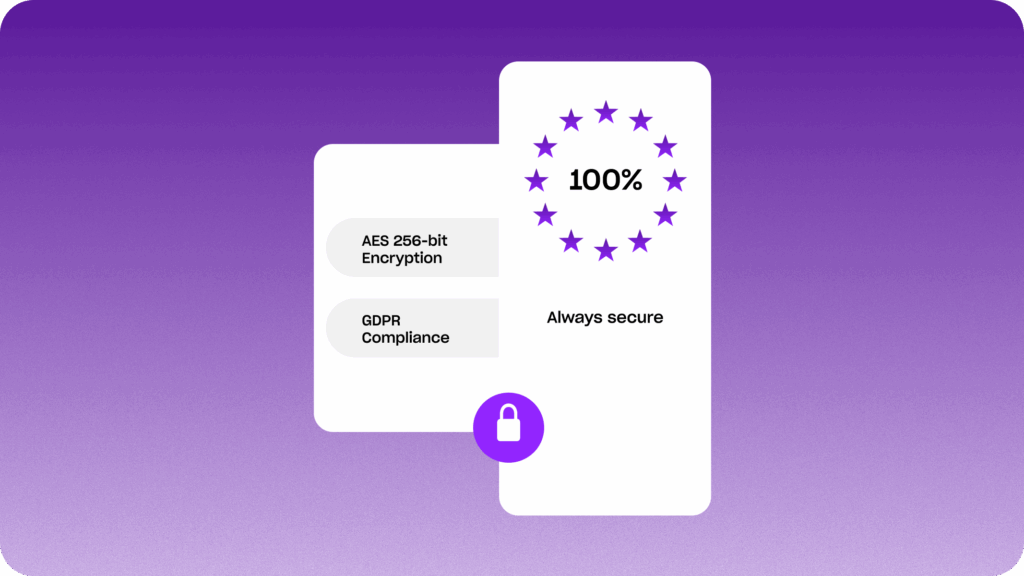
Every file is transcribed in its own language, with every voice detected and labelled. Your recordings are processed and stored only on servers inside the EU, encrypted in transit and at rest, and never used to train any model.
- Accuracy
- Speed
- Data handling
03 / Work
Edit, annotate and summarise in one editor.
Rename a speaker once and the whole transcript follows. Add notes where they belong, turn a two-hour recording into a summary and action points with time codes, and group files by story, client or case with Projects.
- Editor
- Speaker labels
- Notes
- AI summaries
- Action points
- Projects
04 / Explore
Your whole archive, understood.
Explore names the topics that keep coming back across your recordings, pulls the relevant passages from other tapes into the margin while you read, and answers questions about your archive with the source attached.
- Topics overview
- Insights in topics
- Insights in tapes
- Chat
05 / Integrate
Connects to the tools you already run.
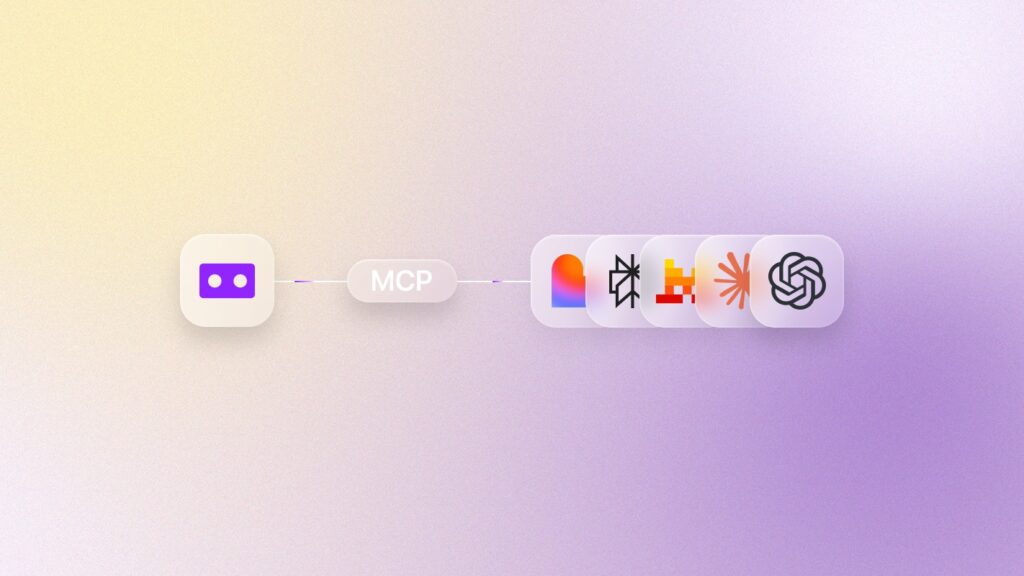
The Good Tape MCP gives Claude, ChatGPT, Mistral or your in-house AI read-only access to the transcripts you choose. The API fits Good Tape into your own pipelines, and integrations bring transcripts straight into your media asset management system.
- MCP
- API
- Integrations
Jump straight to what you are looking for.
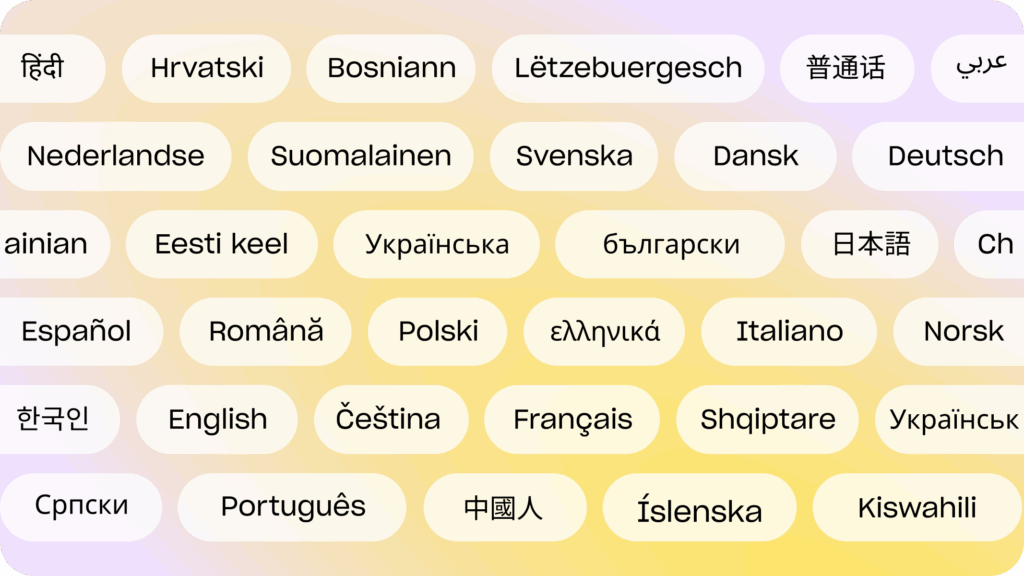
100+ Languages: Work without borders
Good Tape isn’t limited by geography. With support for more than 100 languages, you can transcribe recordings in virtually any language you encounter. We keep fine-tuning the smaller languages, so Danish, Finnish and Dutch land closer to English accuracy.
Covering an international press conference? Good Tape handles it, with the same accuracy in every language.
Recording app for iOS and Android
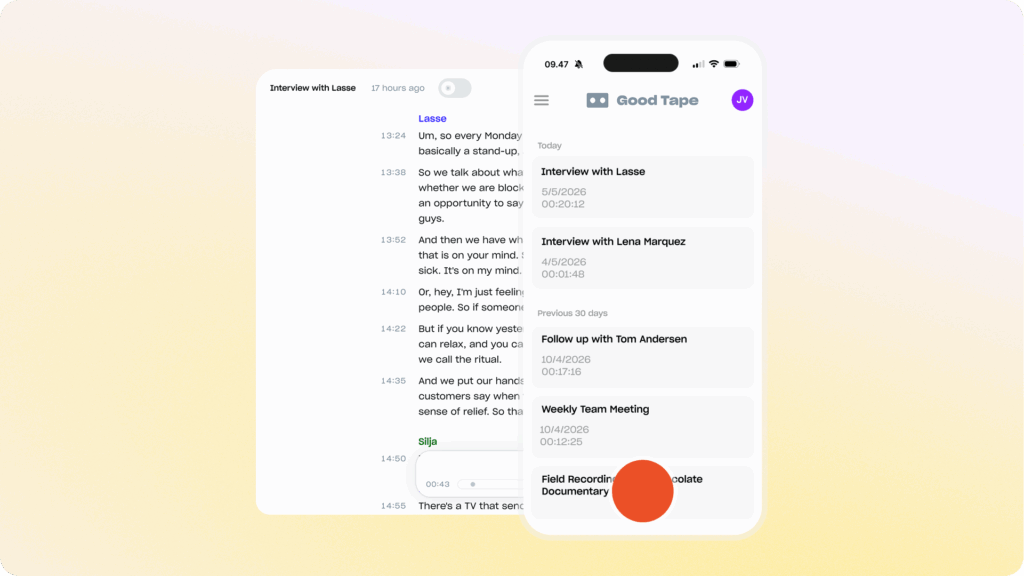
With the Good Tape recording app, you can also capture high-quality audio directly from your phone. Designed for iOS and Android, the app lets you record interviews, lectures, or meetings, syncs the recording with your Good Tape account and transcribes automatically.
Never upload a file again. Just hit record. We’ve got the rest. Download for iOS or Android below today. *Good Tape still accepts all file formats.
Editing: Intuitive transcript editor
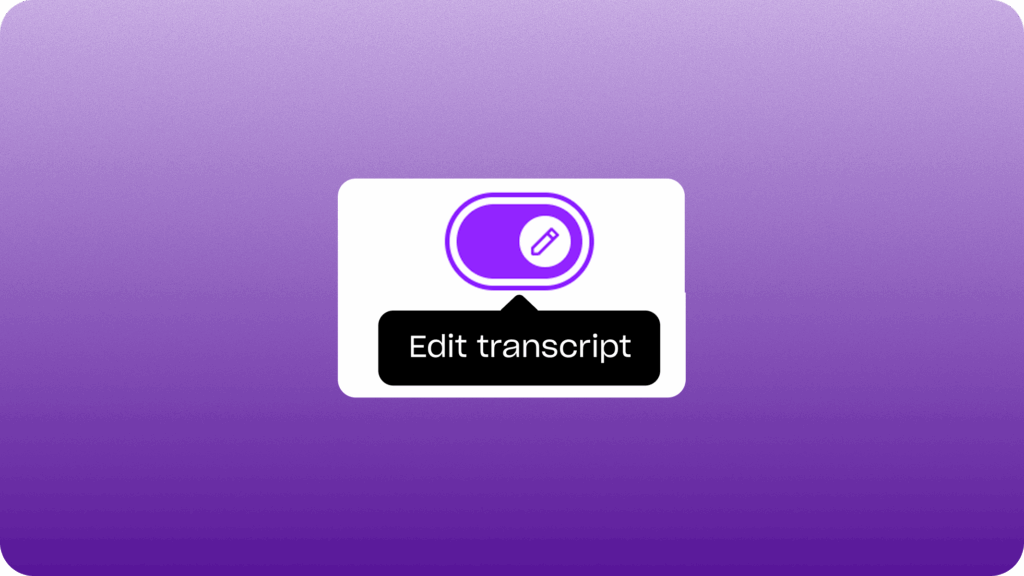
No more clunky tools or endless scrolling. Good Tape’s editor is designed to be intuitive, fast, and accurate. Clean up transcripts, correct minor errors, and highlight key passages effortlessly.
Whether you’re polishing an interview for publication or preparing notes for court, the editor helps you finish your work faster without distraction.
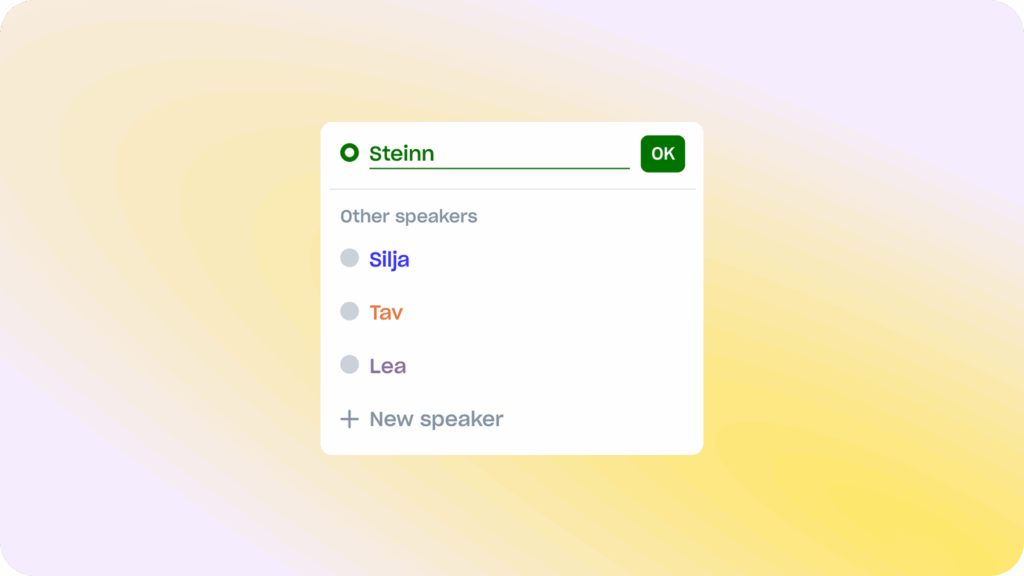
Speaker labels: Clarity in conversations
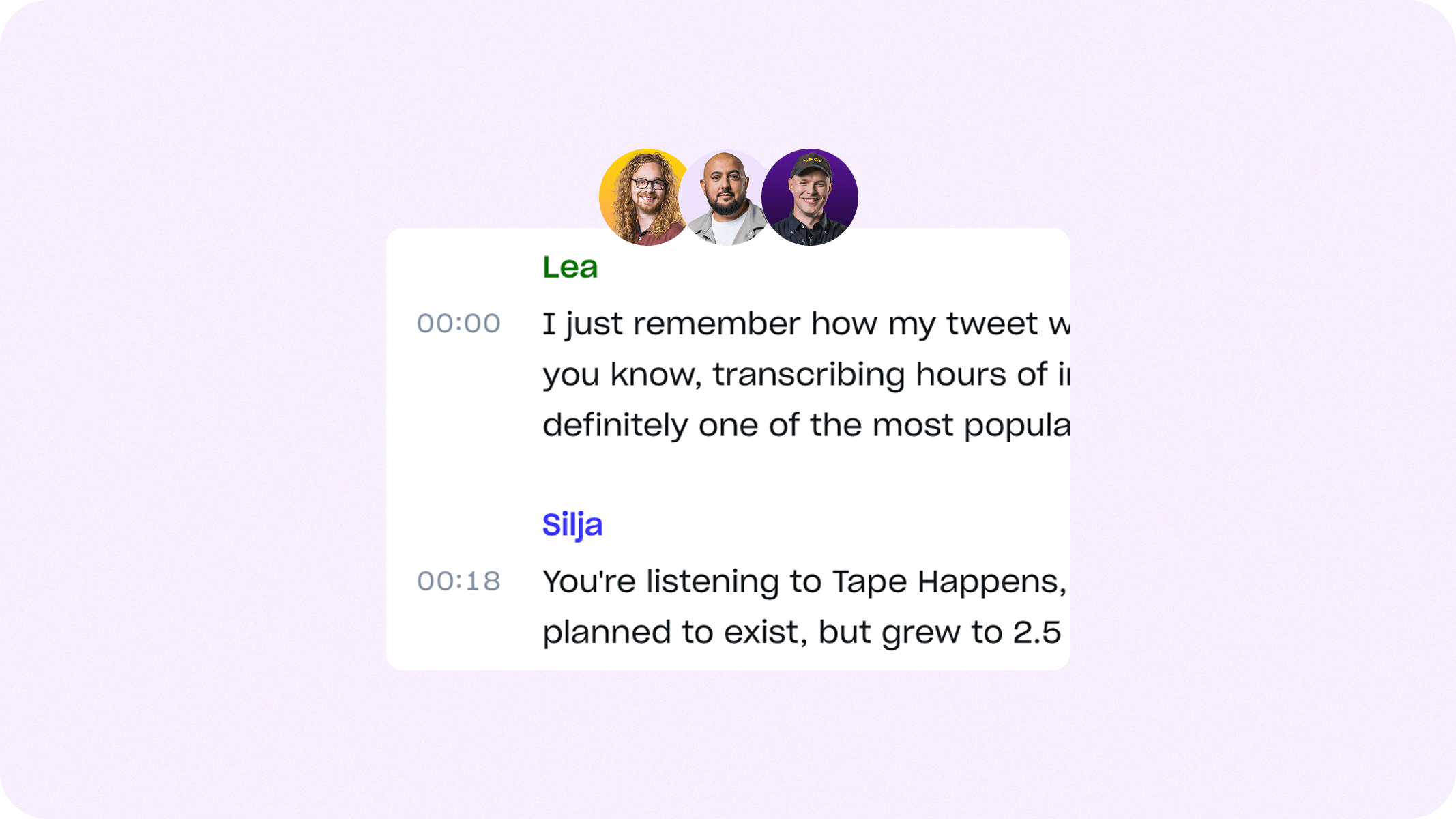
Speaker Labels show you who said what. Once you can see who said what, you can assign the names. Labels sit at the core of a usable transcript. If they are wrong, you re-listen to the whole thing.
Speaker labels come with every transcription, at no extra cost and with nothing to switch on.
AI summaries: Insights and overview
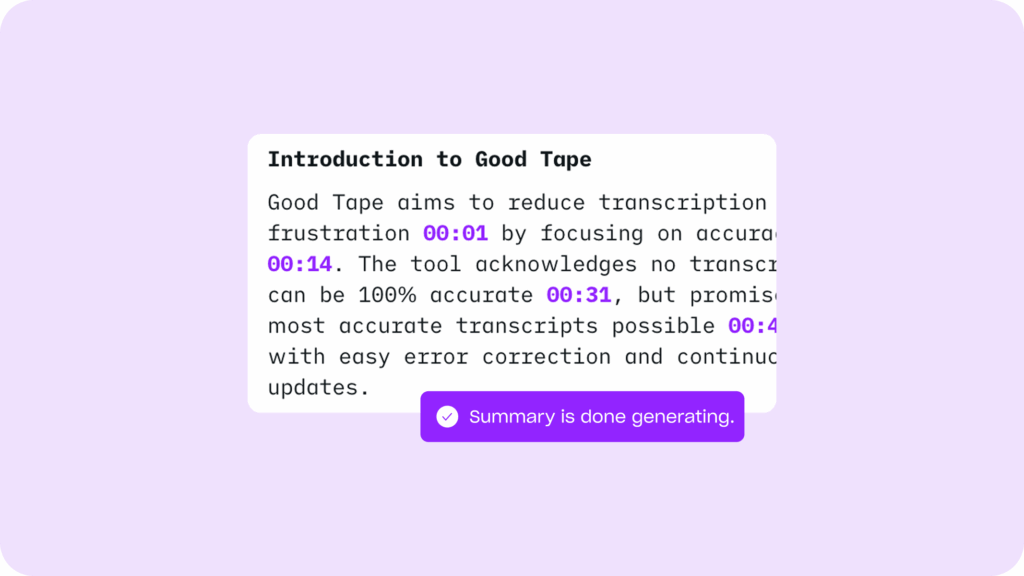
Going through a full transcript can take as long as replaying the recording itself. It’s slow, exhausting, and rarely what you actually need.
That’s why we built AI summaries. With one click, Good Tape turns your transcript into a clean overview of key points, themes, and insights. So instead of spending hours reading, you can understand the story in minutes.
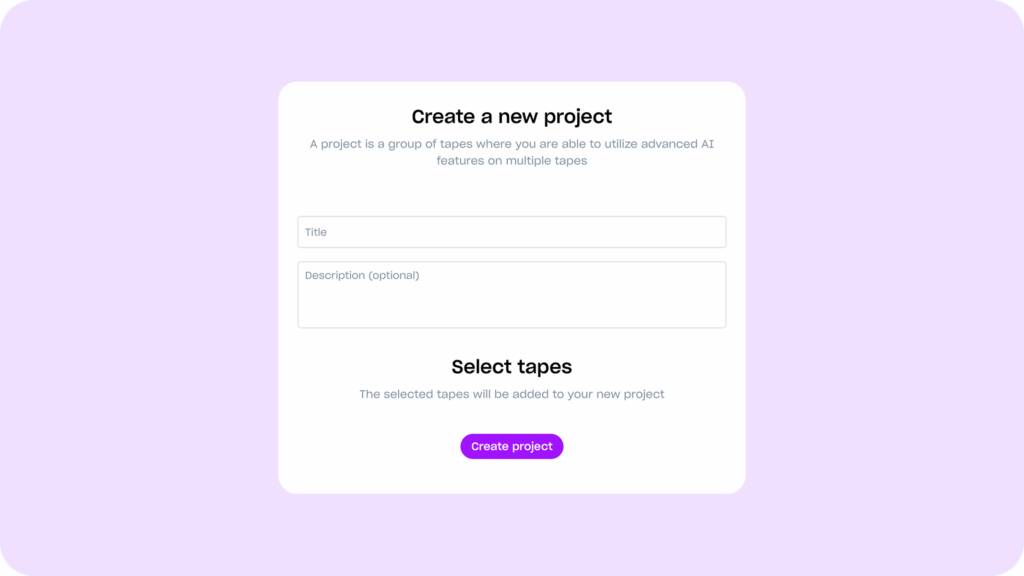
Projects: Organize your tapes with ease
Transcripts pile up quickly. That’s why Good Tape includes Projects, an easy way to group your recordings and transcripts into folders. Keep projects organized by topic, client, or date, so you never waste time searching for the file you need.
Projects give you a clean workspace, especially when you’re managing dozens of ongoing projects.
Audio playback: Follow every word you hear
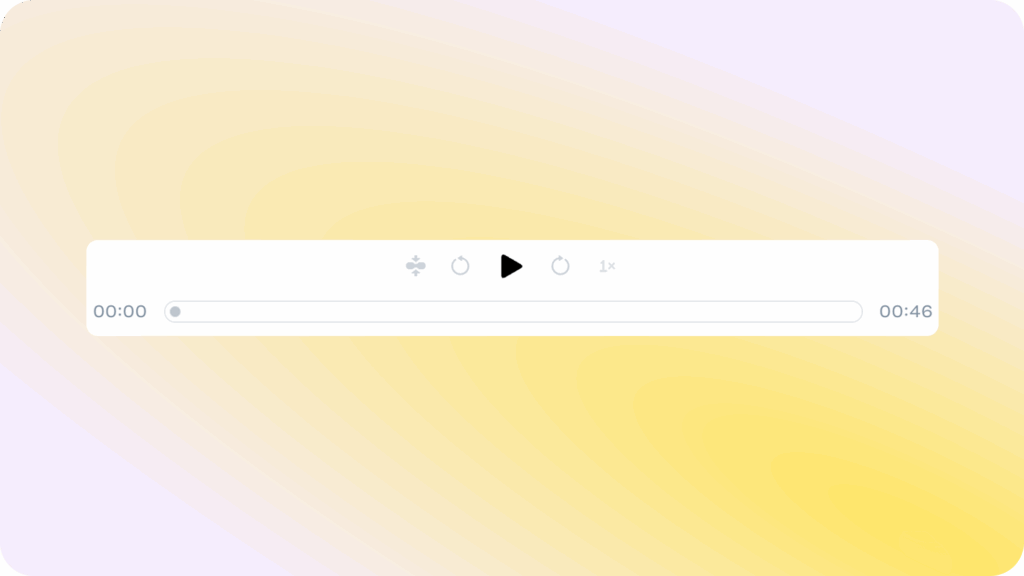
Every transcript is linked to its audio source, making it easy to reference the original recording. Simply click on a word in the text, and playback begins from that exact moment (with time codes if needed).
Whether you’re double-checking a quote for an article or verifying an interview response, playback keeps you connected to the source without endless rewinds.
Bulk uploads: Save hours on large projects
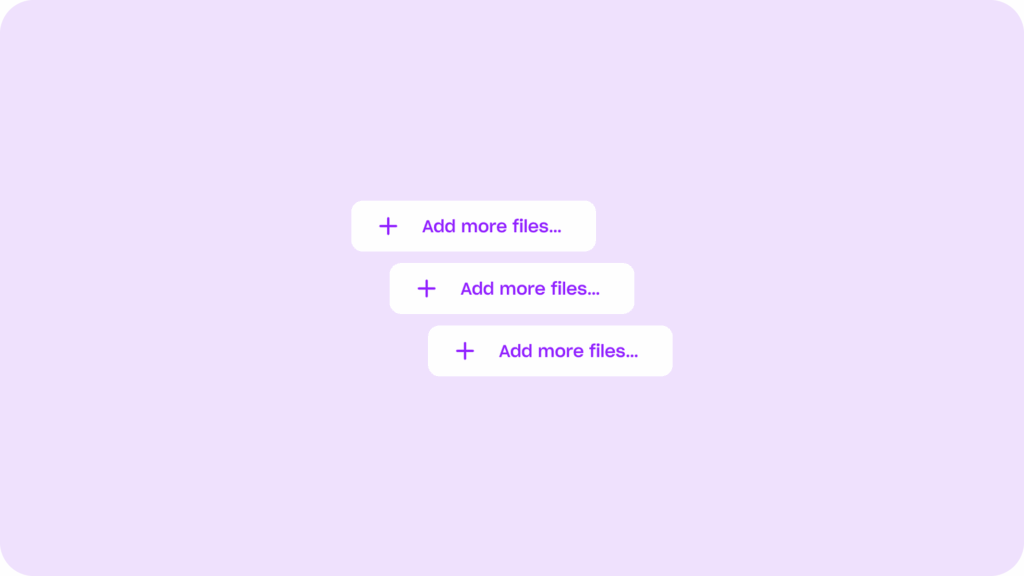
When you have dozens of recordings to get through, upload them all in one go. Bulk uploads let you process multiple files in a single session, cutting down time spent managing files and freeing you to focus on analysis.
It’s an essential feature for researchers, media teams, and organizations working with high volumes of audio or video.
Export subtitles: Make content accessible
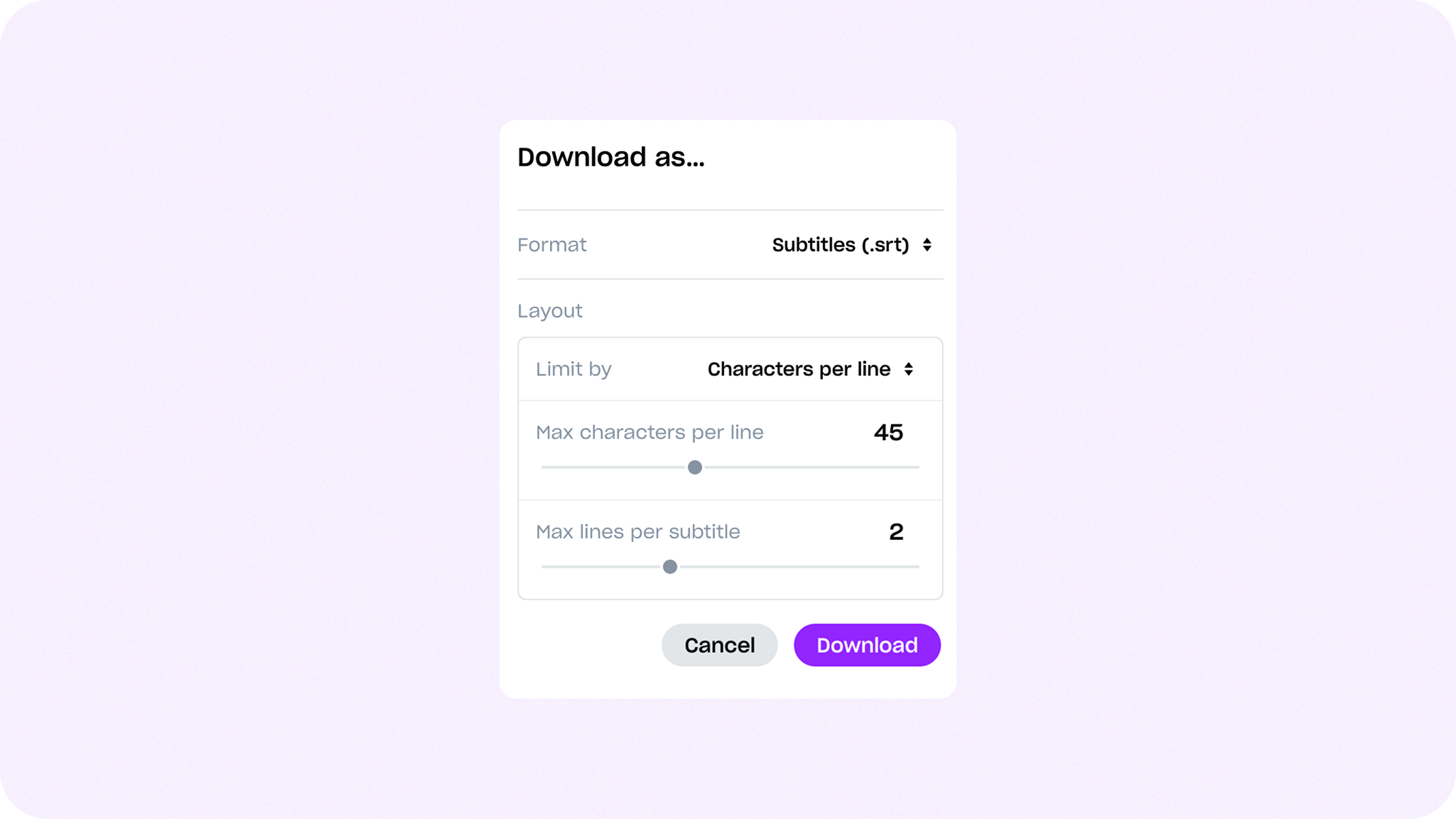
Turn your transcripts into subtitles in just a few clicks. Whether you’re producing podcasts, webinars, films, or lectures, exporting subtitles makes your content accessible to wider audiences and improves discoverability.
With Good Tape, you can generate .srt or .vtt files instantly, ready for upload to YouTube, Vimeo, or your own platform.
Teams: sharing and collaboration
Sometimes you need to share a transcript with a colleague or client, but you don’t want multiple people editing the same file simultaneously.
Good Tape’s Team Sharing option makes it simple: share the file, give access, and let others review the content while you stay in control of the transcript.
Notes: Highlight what’s extra important
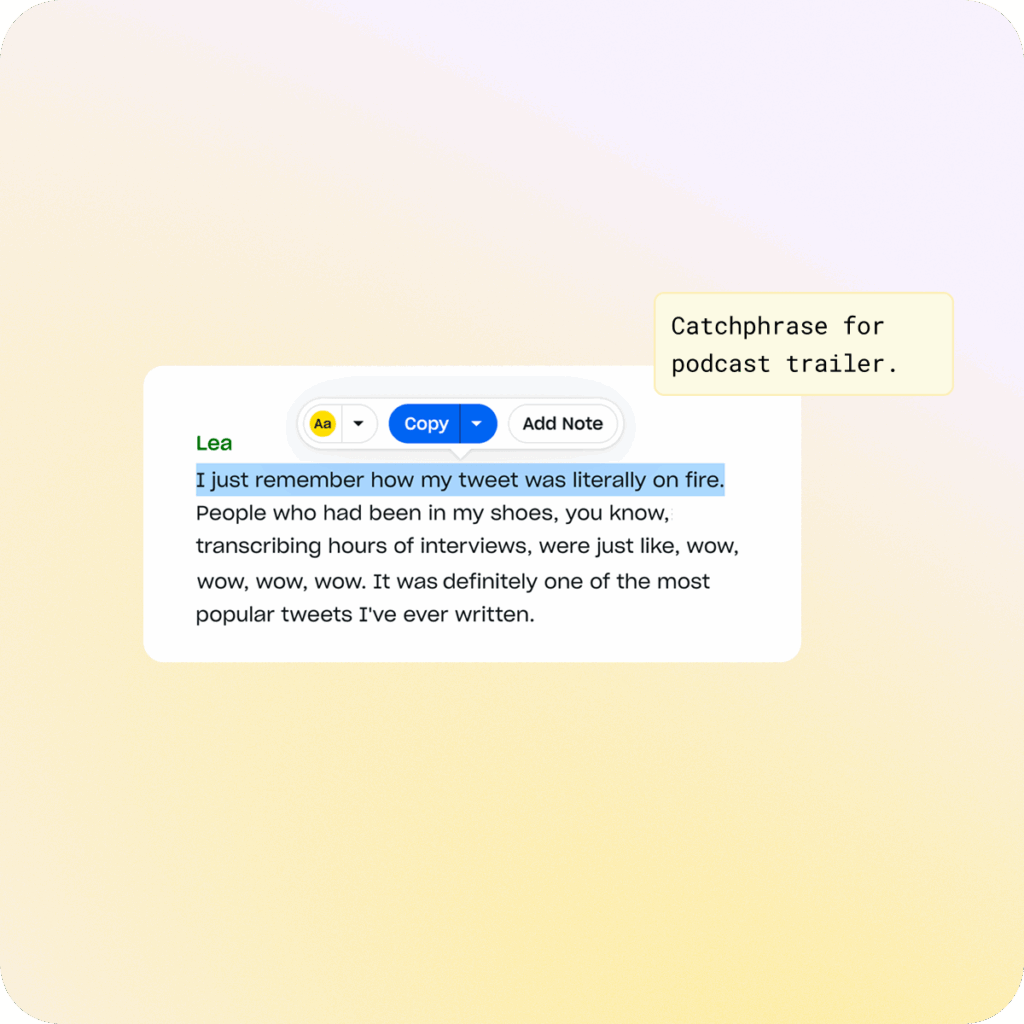
With Notes, you can highlight any word, phrase, or sentence in the transcript and add your thoughts instantly. Just select the text and click “Add Note.”
Your comment is pinned directly to that exact moment in the conversation, so it stays connected to what was said not buried between speakers or lost in a long thread.
Good Tape MCP: Connect your transcripts
Good Tape already turns your recordings into text. Now you can go from recording to done in minutes. Think of the MCP as a magic door between Good Tape and your AI tool of choice: We built the door, and you decide whether to open it and what it can see.
Once connected, the AI tools’ privacy, data residency, and training terms apply. Draft an article from your interview, pull action points from a long meeting, or hunt for quotes you half-remember. Whatever is next from you is only one prompt away.








Want to read more?
Check out these related resources
Frequently asked questions (FAQ)
What makes Good Tape different?
We focus on one thing: transcription. Good Tape is fast, secure, accurate, and simple. No data selling, no training on your files, no clutter.
How accurate is Good Tape?
Good Tape delivers some of the most accurate AI transcripts available, supporting 100+ languages, accents, and fast speech. You spend less time correcting and more time creating.
Is Good Tape secure to use?
Yes. Files are encrypted, stored safely within the EU, and never shared or used for AI training. We’re fully GDPR compliant and offer signed DPAs.
Who uses Good Tape?
We have millions of users around the world that use Good Tape. Journalists, academics, lawyers, consultants, and creators and many more professionals rely on Good Tape for fast, secure, and accurate transcription.
How fast is Good Tape?
Manual transcription takes 6–8 hours per hour of audio. Good Tape does it in minutes, fast and accurate.
What happens to my files in Good Tape?
Your files are deleted automatically after transcription unless you choose to keep them. They’re encrypted and stored securely within the EU.
Can I use Good Tape for my team?
Yes. Good Tape Teams lets you share, organize, and collaborate securely on transcriptions and projects.
Does Good Tape have an MCP?
Yes. Good Tape MCP allows you or your team to connect with any external provider who supports MCP.
Features you can actually trust
Discover why Good Tape is the best transcription tool on the market