

Scan to download the app
Free to download. Works with any Good Tape account.
Don’t have an account yet? Click here to create a free account
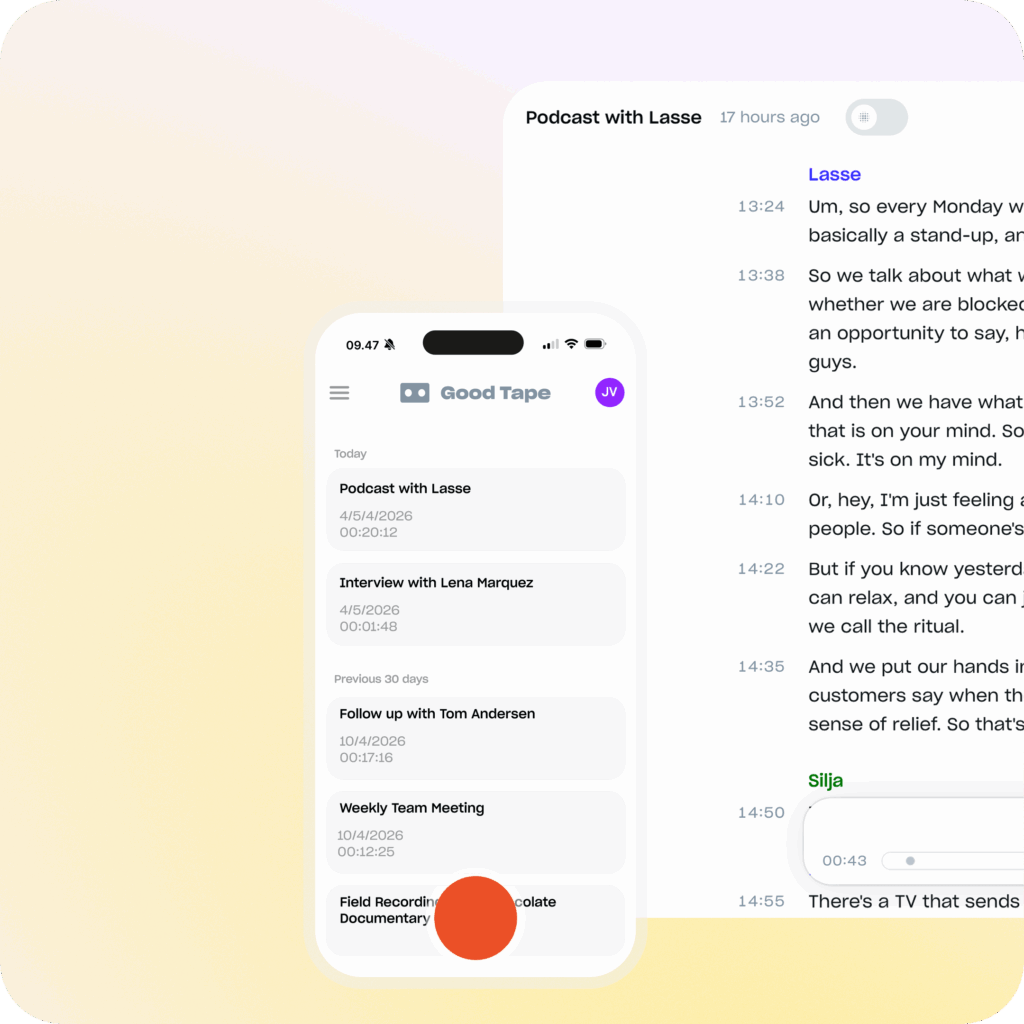
Record and transcribe in one go
In the field or in a noisy press room, the Good Tape app records it and syncs it to your account. It is free to download and it works on any plan, from a free account to Good Tape Pro. The audio is transferred to your profile encrypted and we store it encrypted.
No exporting, no transferring, no uploading. You listen to the person in front of you.
Always know if your audio is too quiet
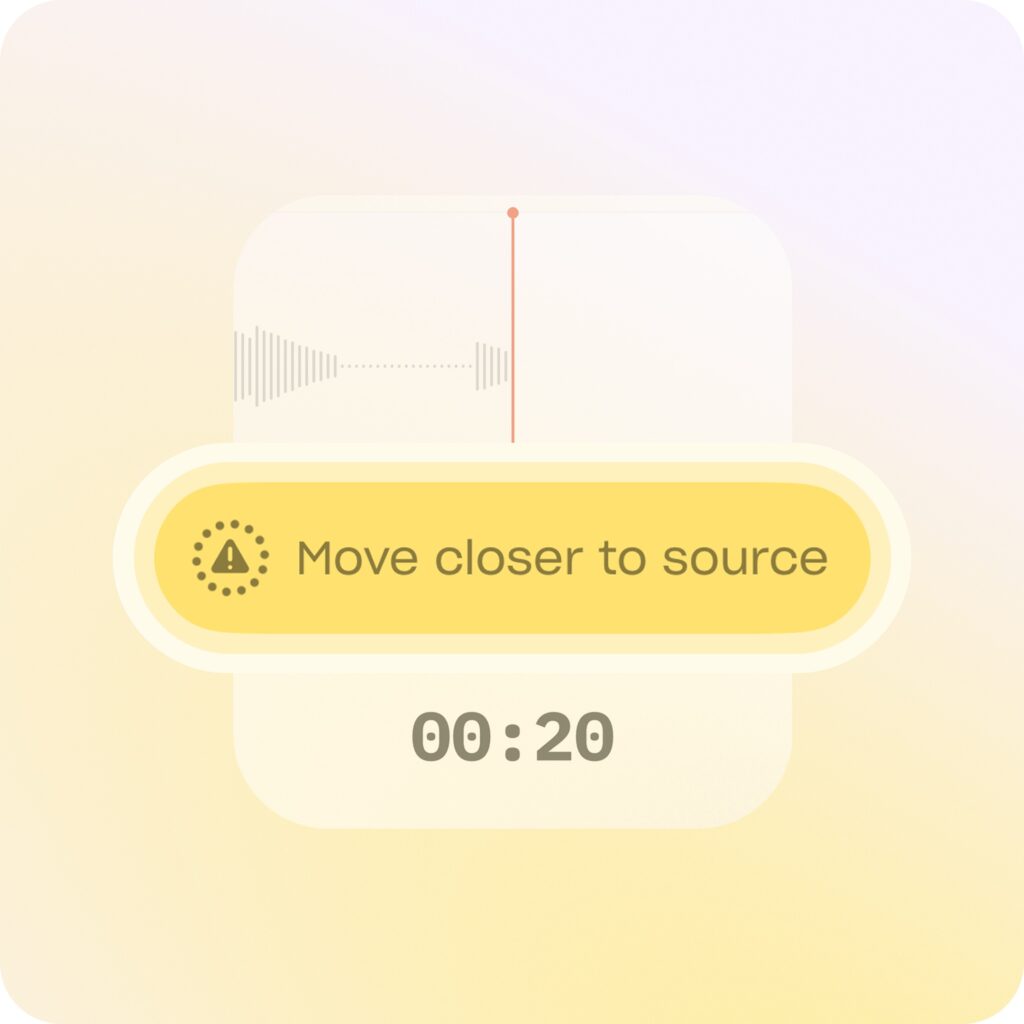
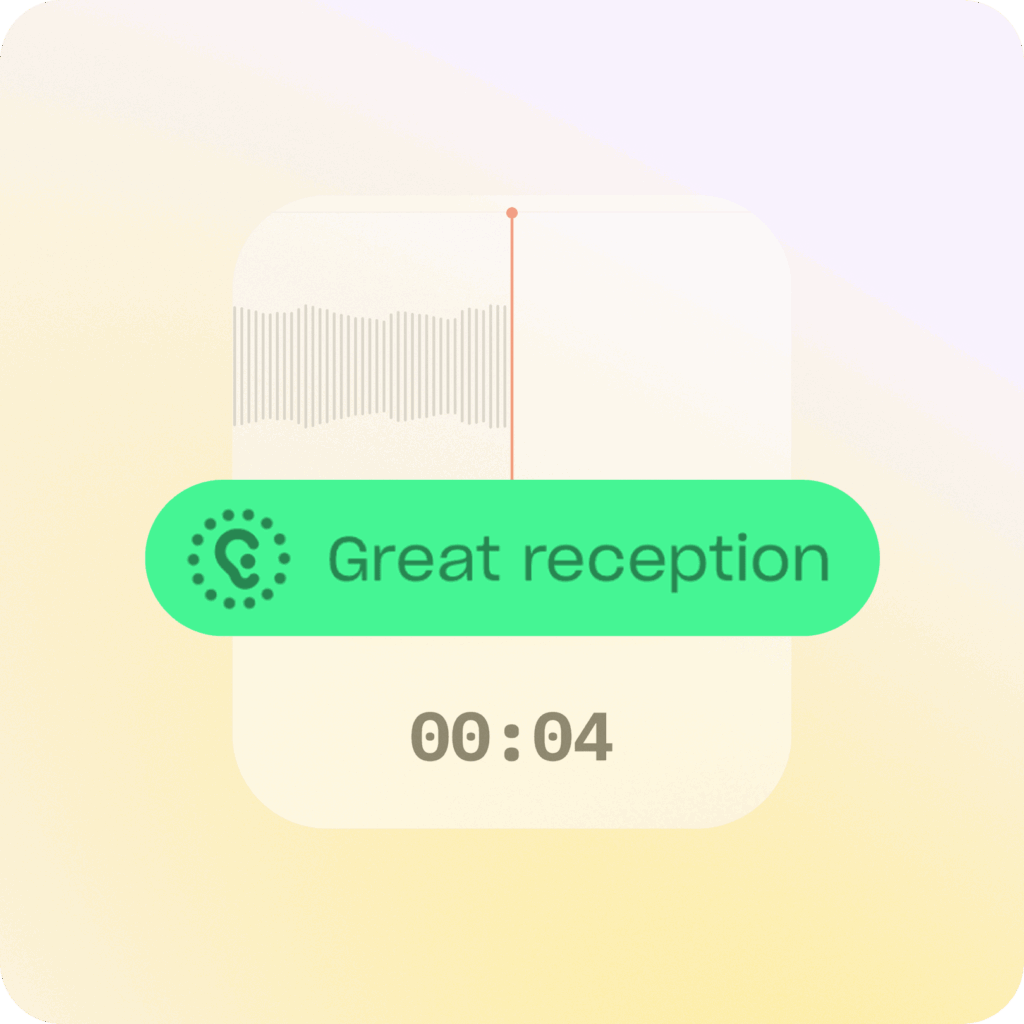
With the Good Tape app, you never need to second-guess the quality of your audio. Our app measures decibel levels in real-time to detect if your recording is “healthy” and loud enough for a perfect transcript. Because “health” is relative to volume, the app acts as your on-the-scene sound engineer.
If the volume dips too low, meaning your final transcript will likely suffer the app will instantly prompt you to move closer to the source. This real-time feedback ensures you never walk away from an important interview with low-quality, unusable audio.
Don’t have an account yet?
Never lose a recording again
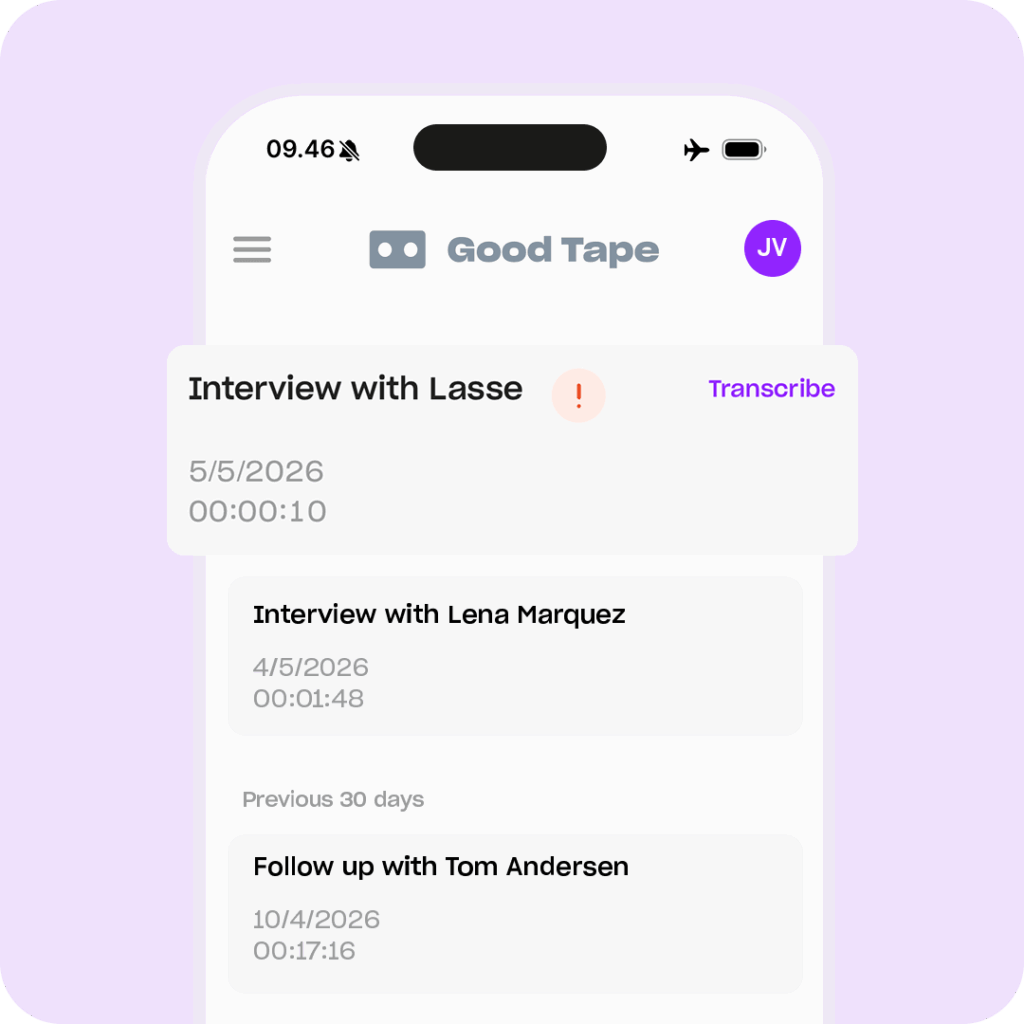
The app is always ready in case something goes wrong. It continuously auto-saves your audio, keeping your files fully recoverable even if your phone suddenly dies or the app crashes.
You never have to worry about accidental swipe-aways, as the app keeps recording safely in the background even if closed, and it automatically prevents your phone from locking during an active session so you can easily track your progress. With absolutely no maximum recording limits, you can record for hours without interruption.
Decide what you want transcribed
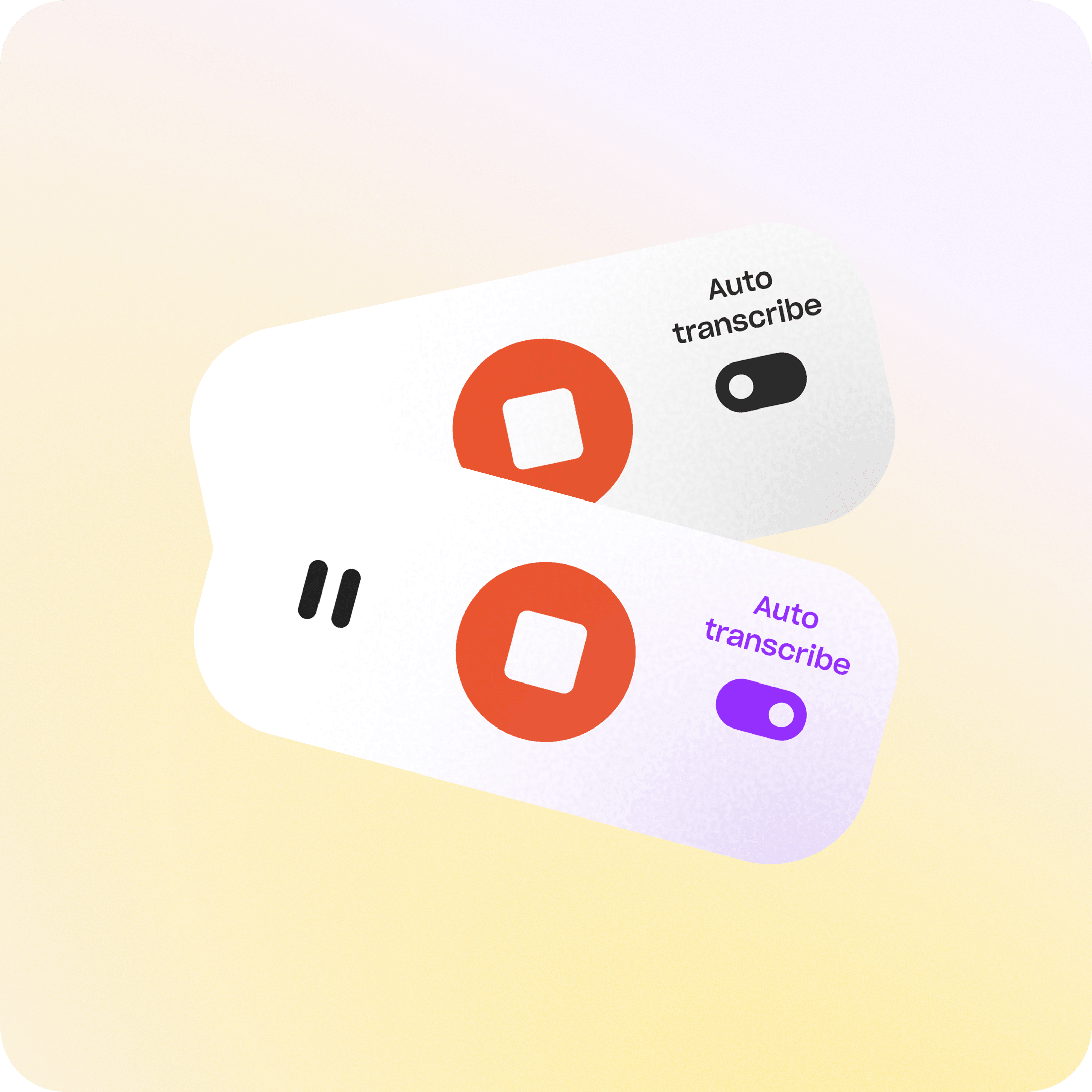
You are in complete control of your workflow and your credit usage. The Good Tape app doesn’t auto-transcribe everything (it can if you want it to). You pick the recordings you want and queue those.
You can also share audio into the app from Voice Memos or anywhere else on your phone. Once processed, you can choose what gets transcribed, and even listen back to your web transcriptions directly on your mobile device.
Record anywhere – also offline – the app handles it
Work completely offline without ever losing your momentum. The Good Tape app securely stores your audio files directly on your phone first, allowing you to record in remote areas or airplane mode without a second thought. The moment your phone detects an internet connection, the app uploads your recordings on its own.
You don’t have to worry about spotty coverage. If a sync is interrupted or fails, the app automatically retries in the background until the transfer is complete.
An app that is built on trust
Good Tape was built with journalists who understood firsthand how important trust and privacy are when it comes to AI transcription. That mindset carries through everything we build, including our app.
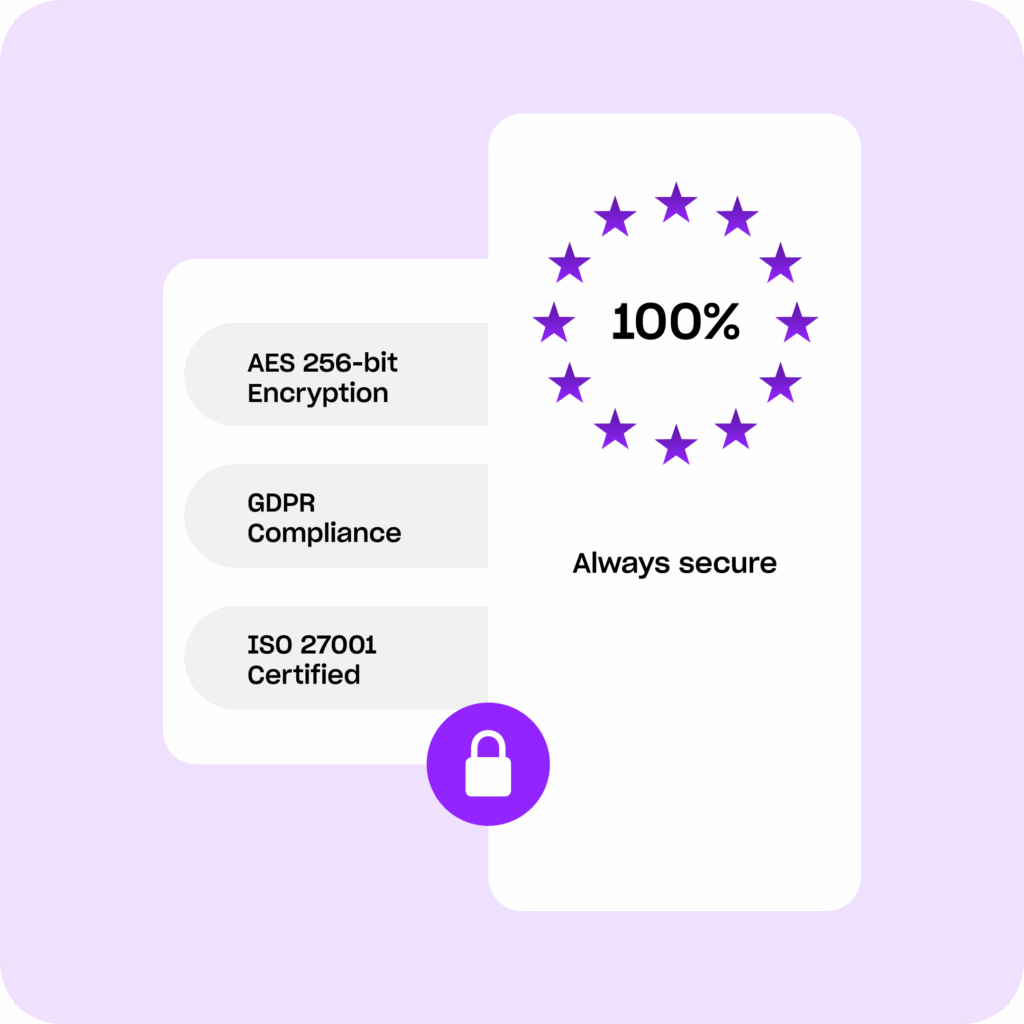
We are transparent about how our technology works, where data is stored, and how it’s processed. Your audio is stored on servers in the EU. We are ISO 27001 certified, we keep your files for as long as you need them, and you can delete any recording yourself at any time. And we never train on your data.
Frequently asked questions (FAQ)
Do I need a paid plan to use the app?
No. The app is free to download and you can create a Good Tape account inside it. What you get transcribed depends on your plan, the same as on the web. See pricing.
What is the Good Tape app?
The Good Tape app is a secure mobile recorder for iOS and Android designed for professionals. It allows you to record high-quality audio on the go and automatically syncs it to your Good Tape account for transcription, removing the hassle of manual file transfers.
Where can I download the app?
The Good Tape app is available to download for free from both the Google Play Store (Android) and the App Store (iOS).
What languages does the app support?
In-app interface: The app’s interface is currently available in English. Transcription languages: The app supports the exact same 100+ languages and dialects available on the Good Tape web platform
How do I log in? Do you support SSO?
You can log in to your existing Good Tape account or sign up for a brand-new account directly inside the recording app. Business plans can log in with SSO.
Can I record offline?
Yes. The app works entirely offline. You can record anywhere, including remote locations and planes. The app will automatically sync your files to the web app the very minute you get an active internet connection.
Is there a maximum recording limit?
No. There is no maximum recording duration. You can record for as long as your phone’s storage permits.
Does the app prevent my phone from going to sleep while recording?
Yes. The app is designed to prevent your phone from automatically locking or going to sleep during an active recording session so you can always see your status.
What happens if the app crashes, my phone dies, or I accidentally close the app?
We designed this app with journalists in mind as an “insurance policy” for high-stakes interviews The app will keep recording even if you accidentally swipe or close the app while it’s running. All recordings are automatically saved. If your phone dies or crashes, your file is fully recoverable.
Does the app transcribe in real-time?
No. The app serves as a secure field recorder and sync tool. Your transcription is processed securely in the cloud once the file is synced.
Can I record phone calls with the app?
No. The app does not support recording native cellular phone calls.
Can I edit transcripts or share recordings directly from the mobile app?
No. To maintain strict data security, both editing transcripts and sharing recordings must be done using your secure dashboard on the Good Tape web app. Inside the mobile app, you can view files and play back your audio, but editing and sharing are not supported.
Free to download. Works with any Good Tape account.
Scan to download the app
Don’t have an account yet? Click here to create a free account