
- Notes help you highlight what’s extra important: ideas, thoughts, highlights, or insights so you never lose your thoughts while working with your transcript again.
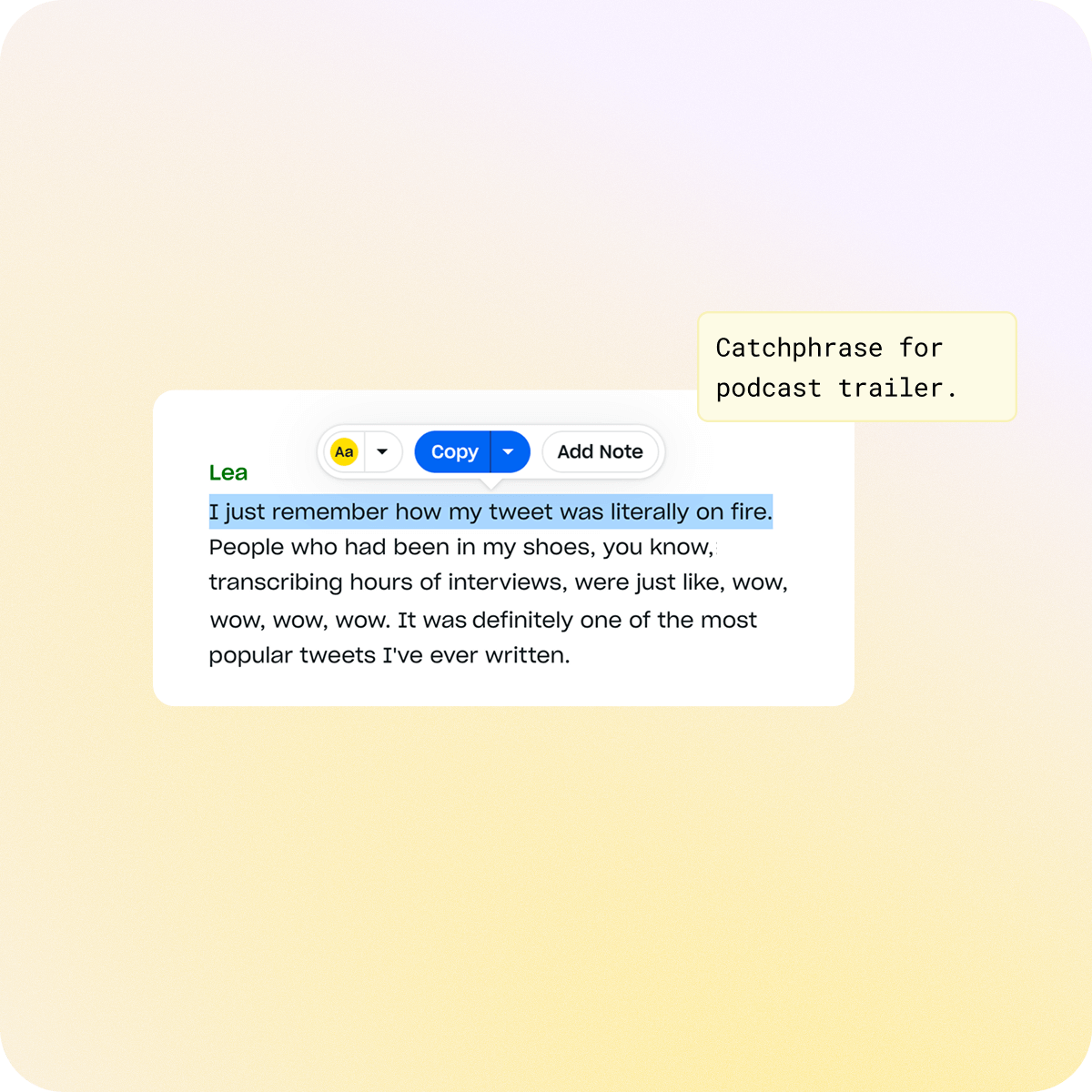
- Highlight a phrase, click “Add Note,” and attach your comment to that exact moment. Notes are private at all times and can’t be viewed even if a tape is shared.
Now work inside of your transcript
With Notes, you can easily highlight any word, phrase, or sentence in your transcript and share your thoughts. Simply select the text and hit “Add Note.”
Your note will stay attached to that precise moment in the conversation, keeping it tied to the content instead of getting lost between speakers or hidden in a long transcript.
Innovation powered by our users
We noticed users dropping makeshift notes between paragraphs to capture thoughts, so we built a native, elegant way to do it.
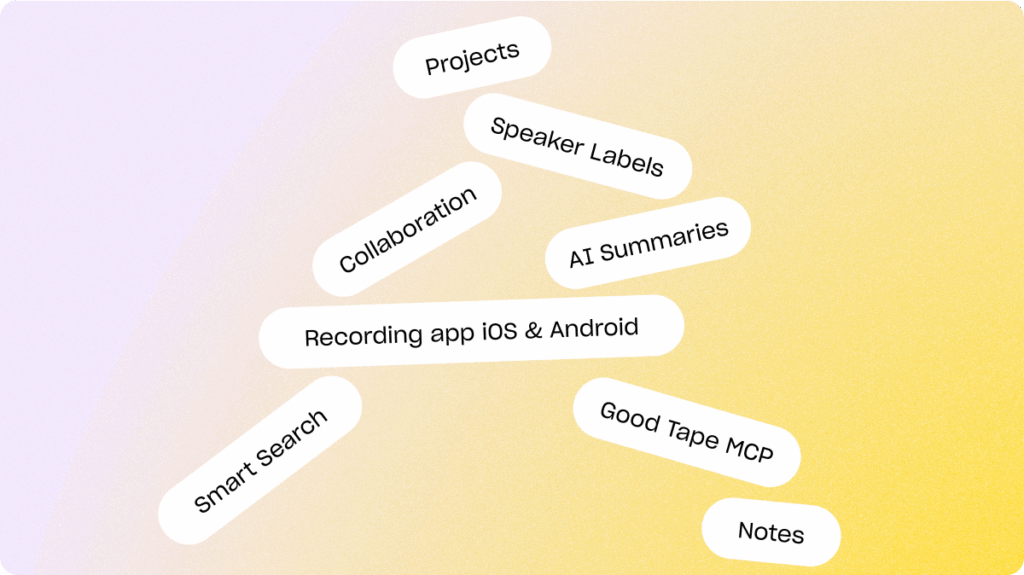
Our philosophy is always to design around real human behavior, keeping the experience entirely free of feature bloat. From our recorder app to speaker labels we’ve developed features our users actually use. Explore more useful tools below, built for how you work.

Notes can be essential to your work flow
Notes is only available in our Pro and Business plans. Transform the way you interact with your transcripts today. Instead of scrambling to remember ideas or dropping reminders between paragraphs, you can now highlight any word, phrase, or sentence and attach your thoughts directly to that moment.
Whether you’re tracking key points, flagging follow-ups, or capturing moments of inspiration, Notes help you stay organized, efficient, and in control of your workflow. Never lose your thoughts while working with a transcript again.
Notes are secure and never shared
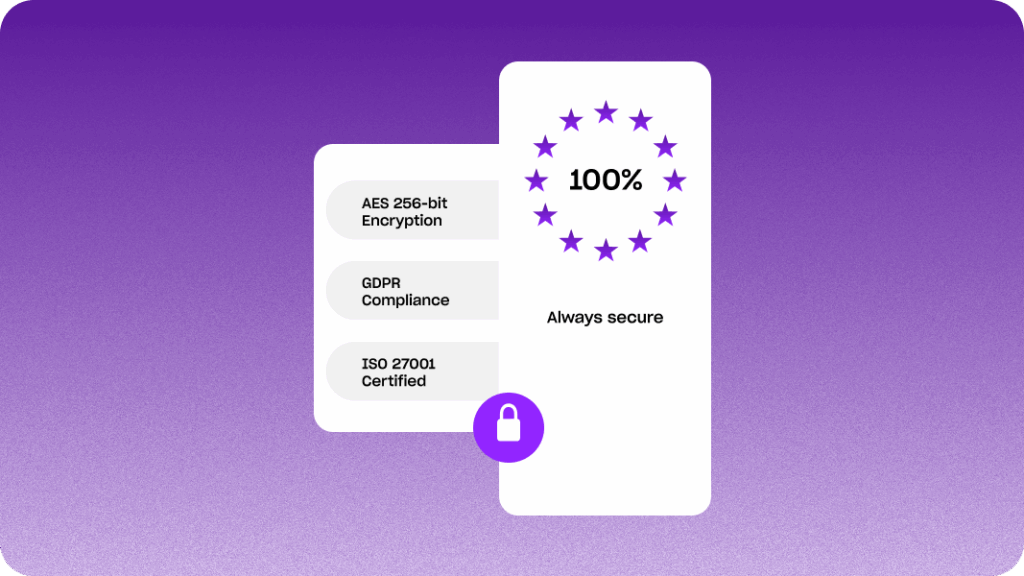
Notes often capture sensitive thoughts from client interviews, team meetings, or confidential discussions. That’s why every note is secured to the highest international standards.
Your notes stay exactly where you pin them and are permanently deleted unless you choose to keep them. We never use your notes to train models, ensuring that your insights remain completely yours. Notes are private at all times. Notes will also never get shared even if a tape is shared.
Want to read more?
Check out these related resources


Frequently asked questions (FAQ)
What can I use Notes for?
You can highlight any word, phrase, or sentence in your transcript and add thoughts, observations, or reminders directly to that moment. Notes help you track key points, flag follow-ups, or capture insights without losing context.
Can I access Notes on Good Tape’s free trial?
Yes. Notes are available on our free trial so you can test the feature before you upgrade to Pro.
Are my Notes secure?
Yes. All Notes are protected with AES-256 encryption at rest, TLS 1.3 in transit, and stored on GDPR-compliant servers in the EU. We are ISO 27001 certified, ensuring your annotations are handled according to the highest security standards.
Can I delete my Notes?
Absolutely. Notes are permanently deleted unless you choose to keep them. We never use your data to train AI models, your thoughts and insights remain completely yours.
Do Notes slow down my workflow?
Not at all. Notes are designed to be lightweight and easy to use, letting you capture ideas instantly without interrupting your workflow.
How accurate is Good Tape?
Good Tape delivers some of the most accurate AI transcripts available, supporting 100+ languages, accents, and fast speech. You spend less time correcting and more time creating.
Is Good Tape secure to use?
Yes. Files are encrypted, stored safely within the EU, and never shared or used for AI training. We’re fully GDPR compliant and offer signed DPAs.
Try Good Tape transcription and discover Notes
Sign up for your free trial now try all our premium features